How To
Get Maxa Contactless App
 Download Maxa Contactless from Google Play store.
 Help others to get Maxa App by scanning the QR code on Maxa info screen.
Maxa needs Android version 12 or higher and is not available on iPhones.
Open Maxa app and enter your mobile number to register it. That’s all.
Pay Online with Maxa
 Select Maxa payment method.
On the first time enter your mobile number on the checkout page.
Select Maxa payment method.
On the first time enter your mobile number on the checkout page.
 Click on the Maxa Pay button.
Touch the pop-up notification to activate Maxa app if it isn’t open yet.
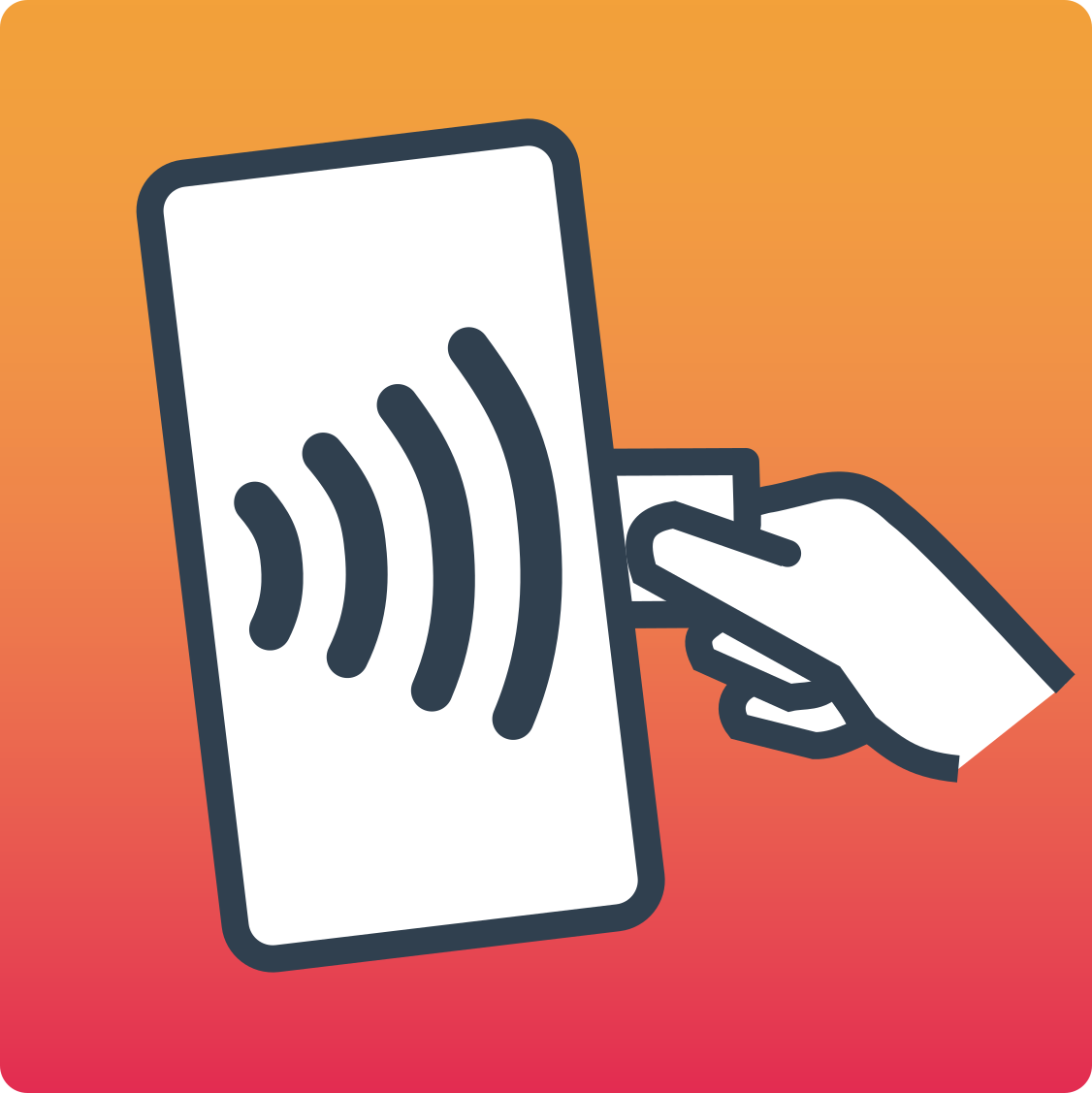
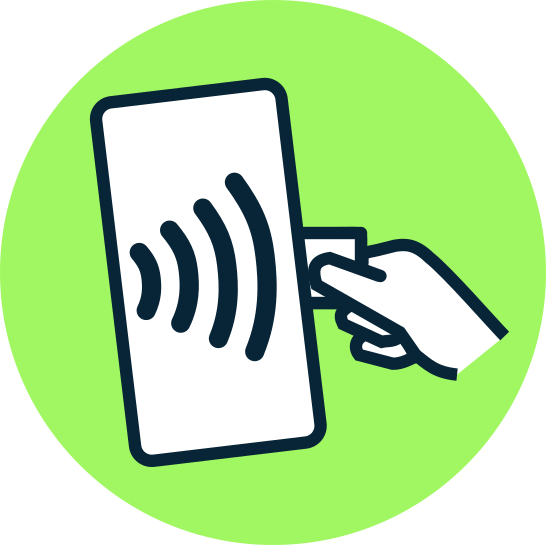
Place a contactless card or device on the back of the phone where the Maxa logo turns green and the phone vibrates once.
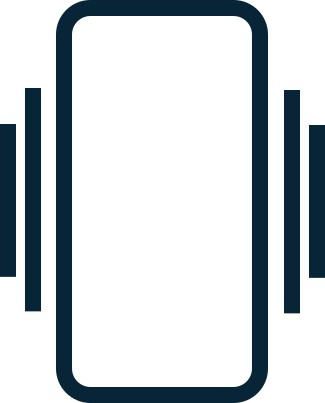
If the phone vibrates twice, try again.
Your bank will either approve or decline the payment and you will get the receipt to your phone.
View Receipts
 Touch the receipt icon on the Toolbar to view, share, and delete receipts. Receipts are stored as PDF files in the Maxa app.
Payments over the Contactless limit
 When required, use the card’s PIN or a digital wallet with PIN or biometric authentication. Your bank may ask for Strong Customer Authentication anytime for your security.
Get Refunds and Payouts
Follow merchant’s instructions for refunds. Tap the card as you would for a payment.
Change Maxa App Settings
 Touch the Settings icon on the top Toolbar to open the Settings screen. You may change the language, show or hide the button texts, enable or disable the phone vibration and set the indicator LED contrast.